Opening series presenting the tools i use in my daily pro activity as a Linux Sysadmin
Hardware: HP elitebook
I have recently retired repurposed my previous 15 years old thinkpad as domotic / personal server. Actually using a refurbished HP Elitebook. Not a very good choice. Especially the shiny bright screen on which i can see my reflection. Plus it’s got keyboard issue, even when the cat is not nearby. To the point i need an external keyboard at bootime to enter luks key…
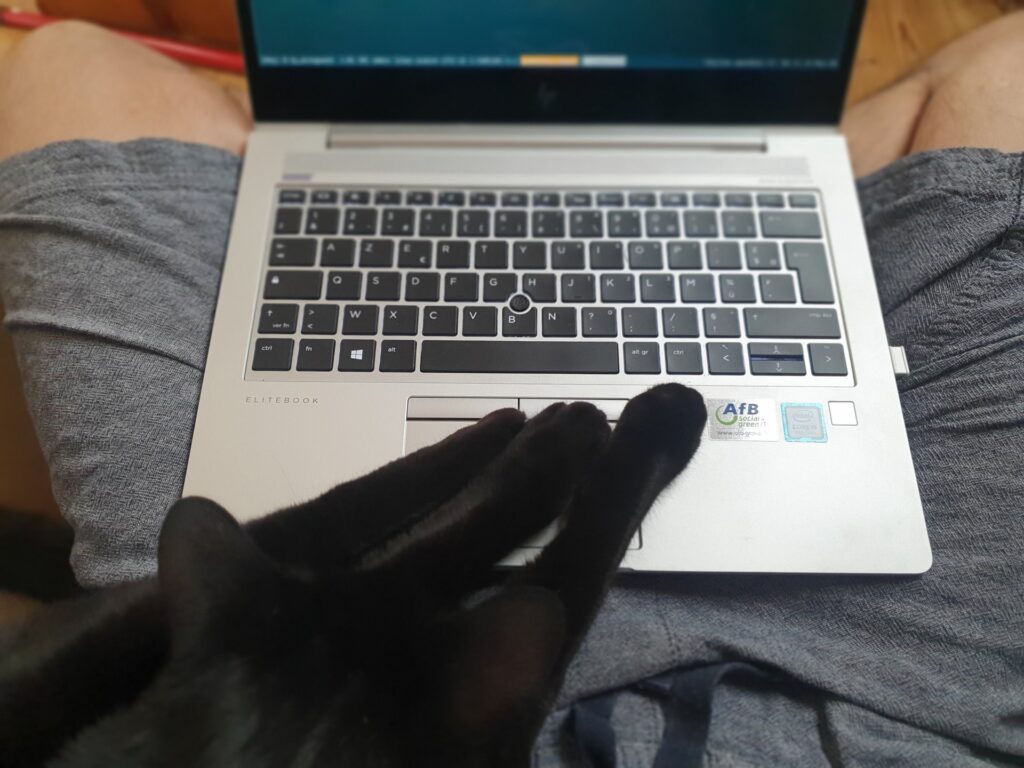
At home i plug it on external monitor, keyboard and rollermouse.
OS : Fedora
I’ve been using Fedora since release 21. Previously Debian SID but i got tired of the weekly half gb failed upgrade that would left me whithout a mail client for days. I tried gentoo a long time ago, went well until the next major upgrade. With Fedora, all major versions changed has been done by boringly typing 1 or 2 commands and rebooting. Not using Gnome, though. Not much tinkering either.
Environment : I3
I am a keyboard user with usually small screens. So i got addicted to tiling window managers pretty early. First Awesome, then i3. Still on i3 nowadays. An absolutely boring window manager that just does its job : dispalying and arranging application windows.
Configuration is here.
Every applications i start goes to their dedicated workspace, in full screen. I have keyboard shortcuts to navigate applications, workspaces, screens, change layouts.
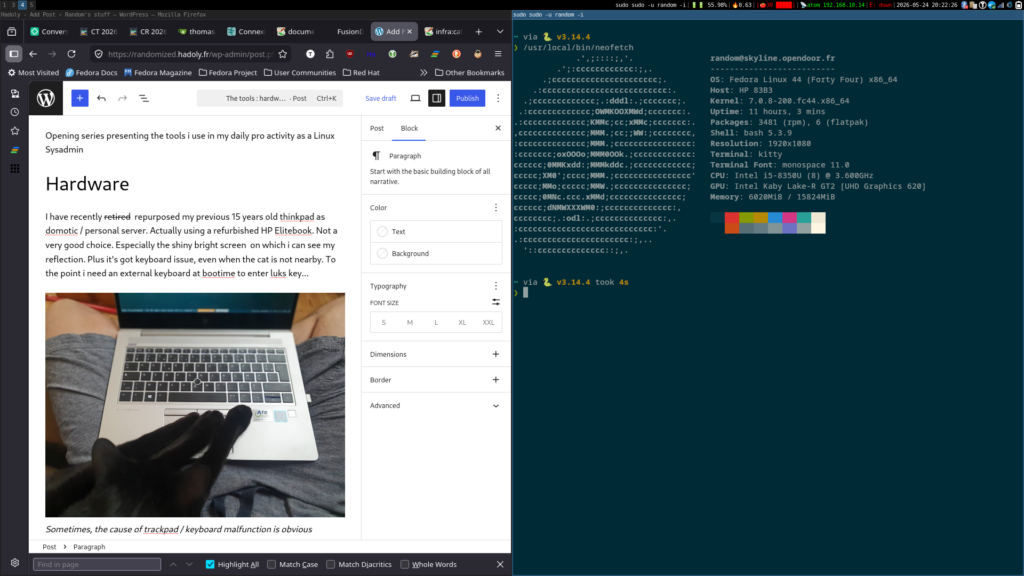
Most applications are started automatically when i open session. I have shortcuts to start some. I also use ulauncher to starts less frequently applications.
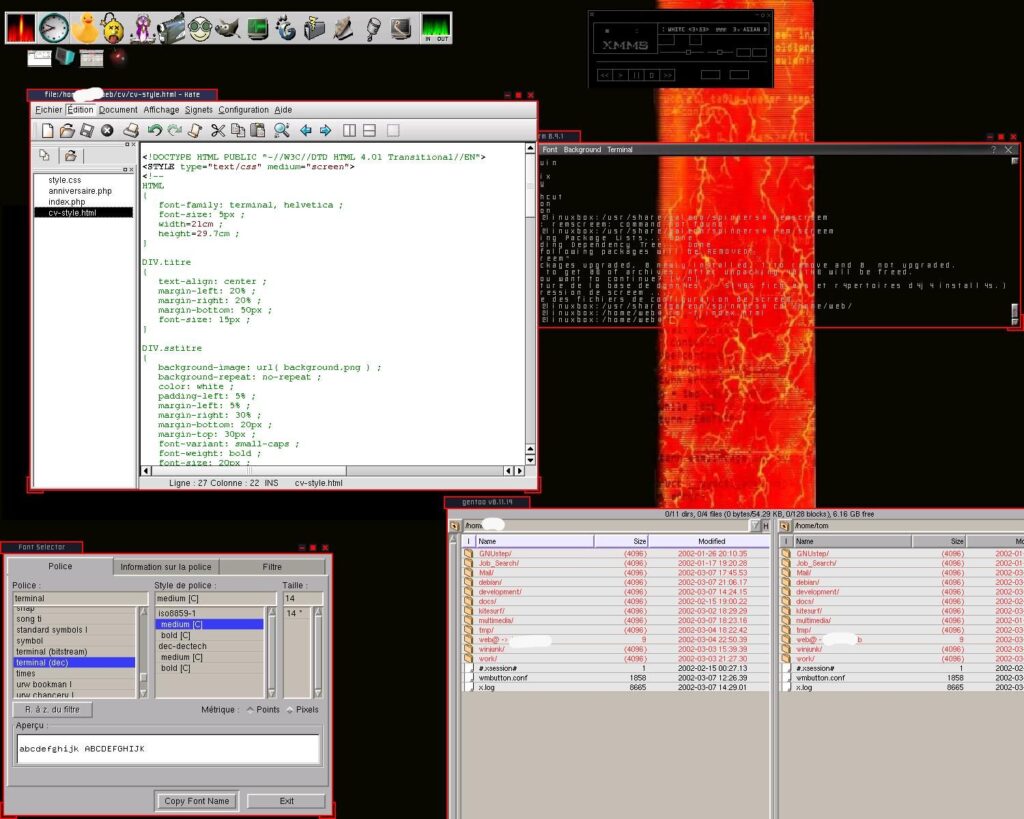
Below the oldest desktop screenshot i could find. Enlightenment 16, traditional window manager, with incredible theming / effect, very low ressources usage.
In the next episode: most used console tools